
How do I see who is enrolled in a workflow?
Published on: 03/11/2026
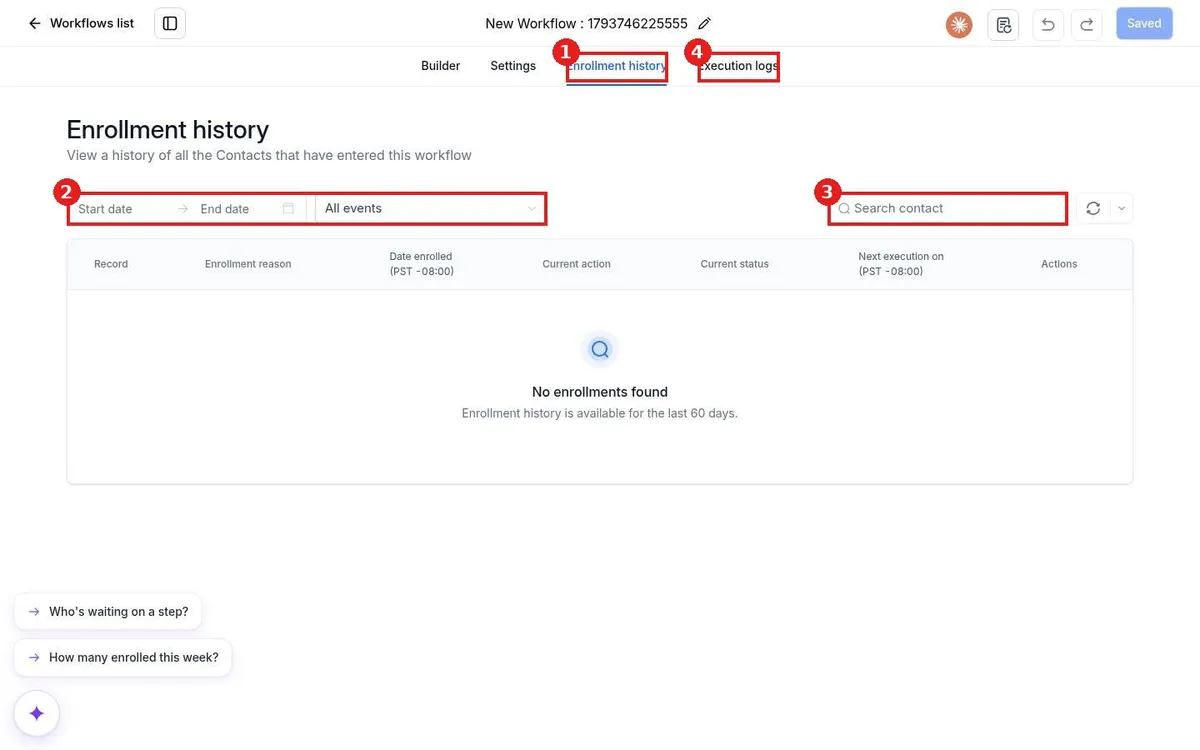
See workflow enrollments in Reachific: open the workflow and click Enrollment history to list every contact who entered, with the reason, current step and status. Filter by date or event, search a contact, and use Execution logs for step details.
enrollment historyworkflow statsexecution logshelp center